We’ve introduced the HolistiCare Comparison Hub to help clinic owners, clinical leads and operations teams explore how different tools fit the work of a clinic. It brings our product comparisons together in one place, with full articles to read when a particular tool is on your shortlist.
The useful question is more specific than “Which product has the most features?” It is: what work does your clinic need to complete, what does each tool support, and what would your team still need to do?
HolistiCare authors these comparisons. They are not independent ratings. Use them as a starting point for evaluation, then follow the sources and confirm essential requirements directly with each vendor.
Start with the work, not the feature list
A clinic may need to bring information together, review it, agree a plan and maintain follow-up between visits. Those tasks can span several systems and people. A tool that helps with one part of that workflow may not serve the same purpose as another tool on the shortlist.
Before opening a comparison, write down the decision you are trying to make. Are you replacing a system, adding a capability or improving the handoff between tools you intend to keep? Name the people who will use the software and the work that must remain under clinical review.
That gives your team a clearer basis for reading a feature or pricing table. It also helps separate a missing capability from a task you never expected that product to handle.
What the Comparison Hub covers
The hub links to comparisons covering assessment, care planning, patient follow-up, connections and commercial terms. The full articles consider the work each offering supports, where their scope overlaps and what may still need confirmation.
For HolistiCare, our published feature descriptions emphasise clinician-editable plans and daily patient actions, alongside configurable check-ins. These are our product descriptions, not independent evidence of clinical benefit. A buying decision still needs to establish the fit for your team’s proposed use.
Each full comparison lists its sources and access dates. Read those details alongside the tables: a price, plan limit or published description reflects the source and scope stated there. It is not a promise that every option is included in every package.
Read overlap, complementary roles and uncertainty carefully
Two offerings can support related work without being direct substitutes. A diagnostic service, a record system and a care-planning platform may each have a role in the same clinic. A consumer product and a professional clinic offering may also have different users, responsibilities and commercial terms.
When you see overlap, ask whether it covers the same task in your intended setting. When the roles look complementary, ask what information must move between them and who will check that transfer. Do not assume an integration exists because using both products seems sensible.
“Not confirmed” is an evidence gap, not proof that a feature is unavailable. Take the unresolved point to the vendor. Ask which product version, plan and implementation the answer applies to, and retain the supporting source with your evaluation notes.
Take a practical checklist into the vendor conversation
Use the comparison to prepare a demonstration brief rather than a scorecard based on feature counts. An invented workflow can help you ask concrete questions without sharing patient information.
| Decision | Question to resolve | Evidence to request |
|---|---|---|
| Workflow fit | Which steps does the tool support, and what remains with our team or another system? | A demonstration of the proposed workflow, including its limits. |
| Responsibility | Who reviews, approves and acts on information at each step? | The available controls and the clinic roles needed to use them. |
| Connections | How would information move between the tools we plan to keep? | The specific supported connection or export route, its scope and any manual steps. |
| Plan and cost | What would our required seats, capacity and usage cost? | A quote stating currency, billing period, tax, allowances, add-ons and setup charges. |
| Implementation and exit | What will setup, training, support and a later move require? | Written scope, responsibilities, support terms and data-export arrangements. |
Keep an unanswered question visible. A public feature page can help you shortlist a product; it does not replace confirmation of the particular configuration you intend to buy. Likewise, prices in different currencies or packages should not be treated as equivalent offers without checking what each includes.
Use the hub to make the next conversation more specific
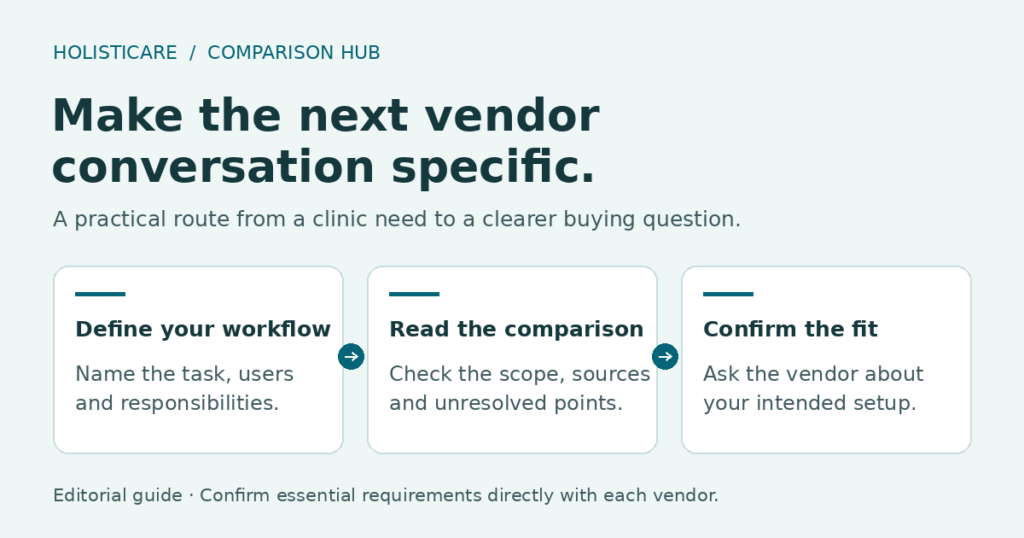
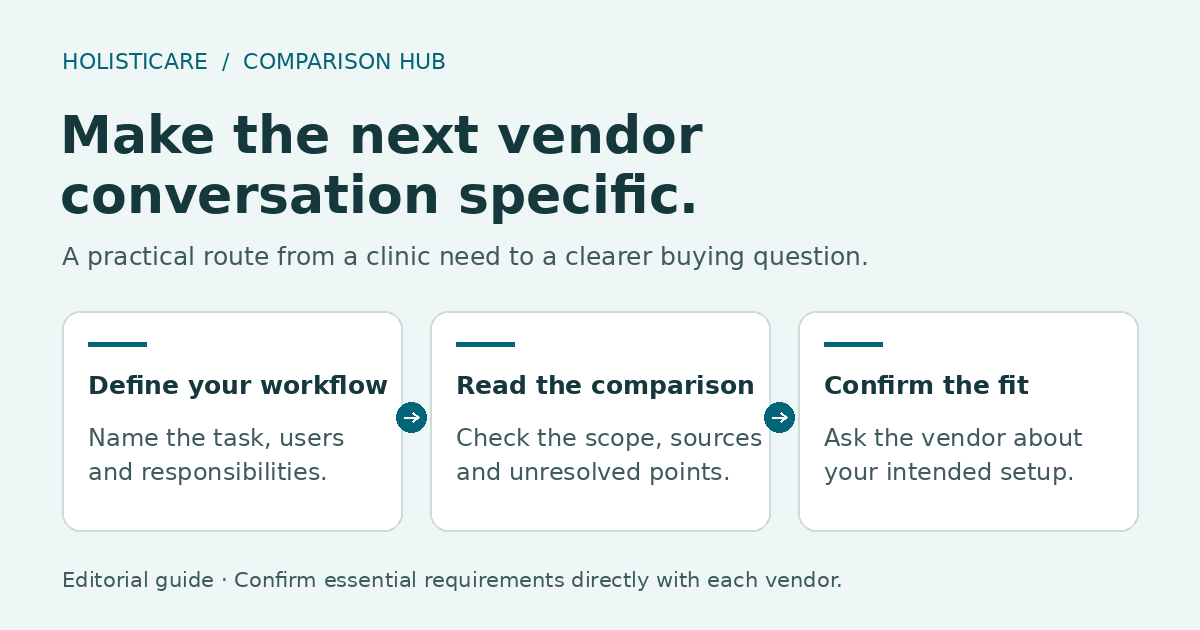
Start with the comparison relevant to your shortlist. Read the sources and limits, then bring a defined workflow and your unresolved questions to the vendor discussion. The aim is a decision your team can explain: what the tool would do, what it would complement and what remains your clinic’s responsibility.
Clinical responsibility
HolistiCare provides clinical decision-support infrastructure; it is not a licensed medical provider or electronic health record. All diagnostics, care protocols, and clinical decisions remain exclusively the responsibility of qualified healthcare professionals. Insights generated by HolistiCare’s AI engine are for clinical and informational use only and do not constitute medical advice, diagnosis, or treatment.
Sources
- HolistiCare Comparison Hub: the collection, its scope and how to interpret the comparisons.
- Personalized Holistic Plans: HolistiCare’s published description of editable plans and patient actions.
- Check-Ins: HolistiCare’s published description of configurable follow-up.
Sources reviewed on 2 November 2026. The individual comparisons retain their own source access dates.