
Coordinate care around your EHR
Laboratory results, clinical notes and follow-up information can sit in separate systems. Your team needs to connect those inputs, apply the clinic’s protocols and keep track of the next steps.
HolistiCare brings data, protocol workflows and follow-up together, with clinicians responsible for clinical decisions. Your EHR remains the system of record.
Connect the clinical picture with supported data in one member view.
Use your own protocols with workflows configured around your clinic’s methodology.
Keep clinical approval with your team. Require practitioner review and explicit approval before a plan is delivered to a member.
Follow through on care with member tasks, check-ins and review over time.
Is HolistiCare relevant to your clinic?
HolistiCare is designed for clinics that need to coordinate a care program beyond the clinical record.
Consider it when:
- laboratory testing and other diagnostic information inform your protocols;
- several practitioners or care-team roles contribute to care;
- you need a consistent process that leaves clinical judgement with the practitioner;
- you want to use your own protocols and clinical language;
- member-facing plans and communications need to reflect your brand; or
- follow-up work is spread across portals, documents and separate tools.
From clinical inputs to follow-up: the workflow
01
Gather supported inputs. Bring relevant clinical and program data into one member view.
02
Review the clinical picture. Have a qualified practitioner interpret the available information in the context of the member’s care.
03
Apply your protocols. Use editable workflows configured around your clinic’s methodology.
04
Review and approve the plan. Your clinic must require a qualified practitioner to review each proposed plan, make any needed changes and explicitly approve it before member delivery. The practitioner remains responsible for the clinical decision.
05
Set out the next steps. Deliver approved member tasks and program content under your clinic’s brand.
06
Review progress. Bring check-in responses, re-testing data and available device signals back into the care-team workflow.
Review clinical data over time
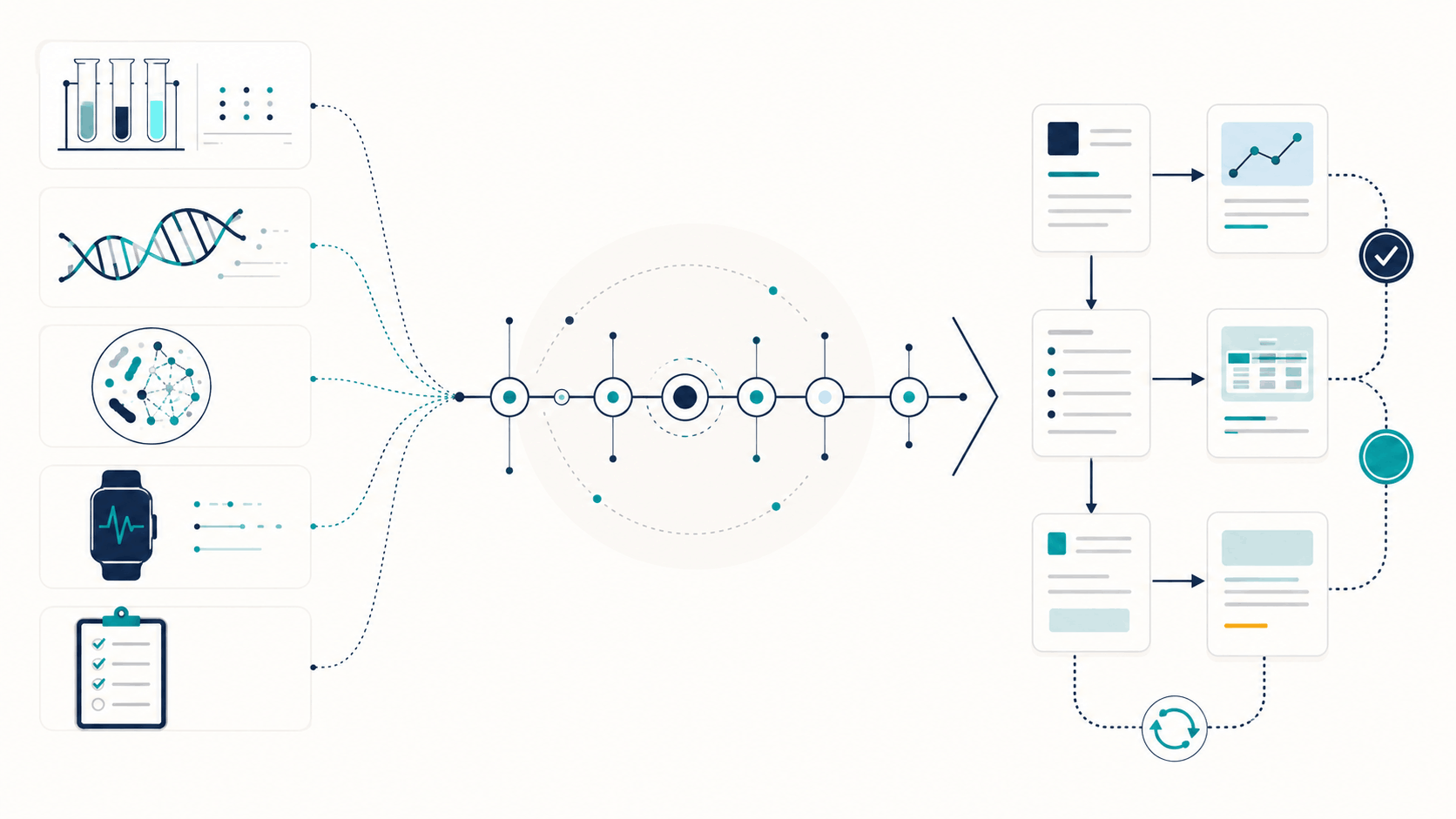
Bring supported laboratory results, genetic and microbiome information, assessments, clinical history, notes and documents into a member view. Review this information over time to inform interpretation and follow-up.
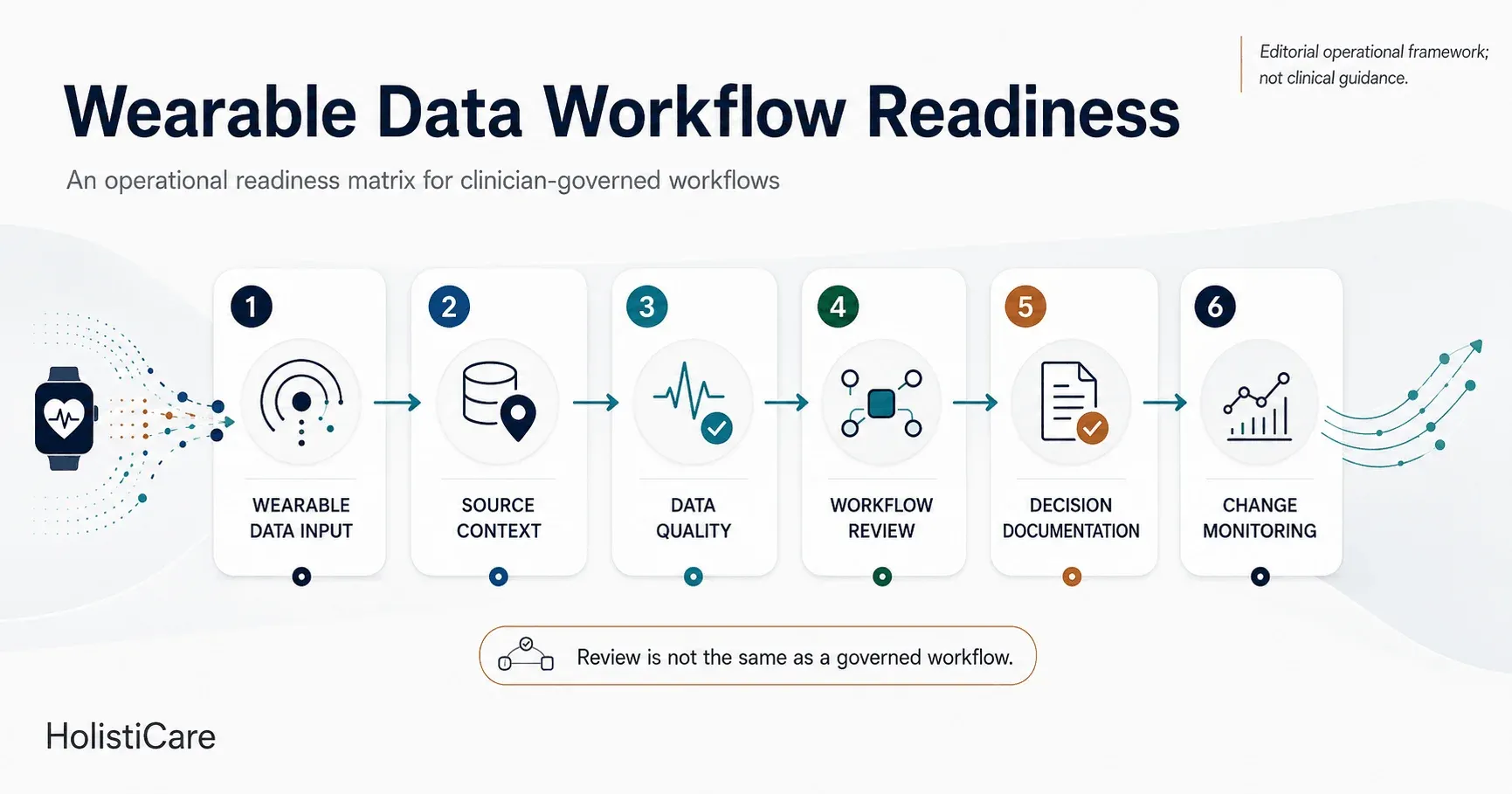
Wearable and other third-party data depend on suitable API access, permissions, mapping and technical validation. Confirm the sources your clinic needs during technical discovery. Explore clinical data aggregation and analysis.
Put your clinic's protocols into practice
Configure editable protocol workflows around your clinic’s methodology and clinical language. A shared process can support team consistency while allowing the practitioner to adapt the proposed plan.
The clinic remains responsible for evaluating proposed plans against the member’s clinical needs. Set a review process that requires a qualified practitioner to make any necessary changes and explicitly approve each plan before member delivery.
Clinical responsibility stays with the qualified practitioner. See how this approach applies to personalised holistic plans.
Turn approved plans into follow-up
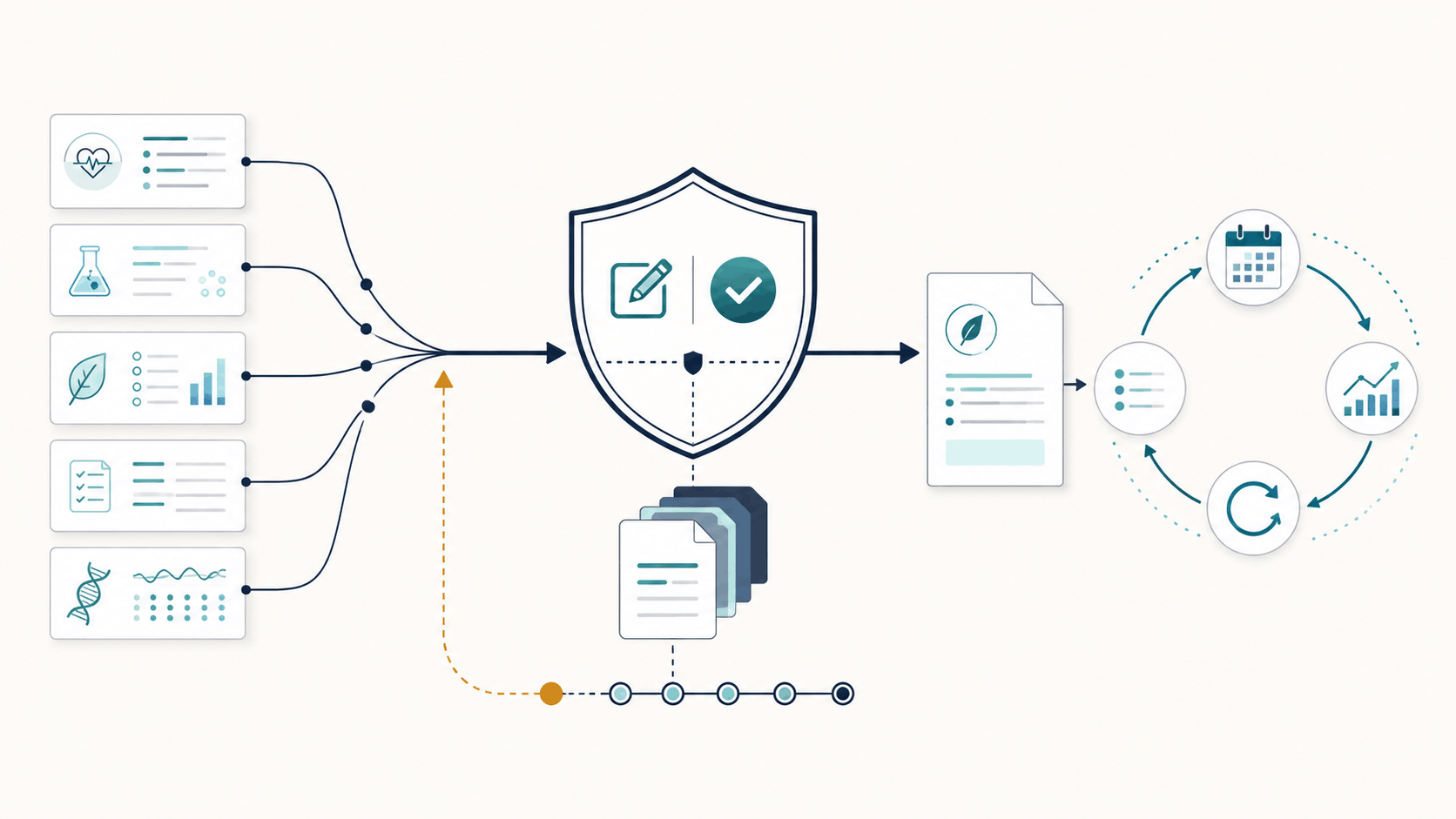
Translate an approved plan into structured member tasks across configured areas such as nutrition, supplementation, activity and lifestyle.
Use structured check-ins and biomarker tracking to review changes over time. Member reports and cohort trends give the team different views of the program; task routing helps organise the work between visits.
Member-facing interfaces, applications, reports, communications and program content can be configured under your brand. The exact white-label scope is agreed during implementation. Explore member action plans and structured check-ins.
Define the role of each system
Your EHR: the clinical record
Keep medical history, clinical documentation and existing record workflows in your EHR. Review where orders and billing belong in your current setup.
HolistiCare: the ongoing care program
Organise supported data, apply clinic-specific protocols and coordinate follow-up around that record. Your clinic remains responsible for plan review and explicit practitioner approval before member delivery.
Discuss which information needs to move between systems and which team owns each step. For more context, read EHRs and protocol-driven care.
Confirm connections for your actual systems
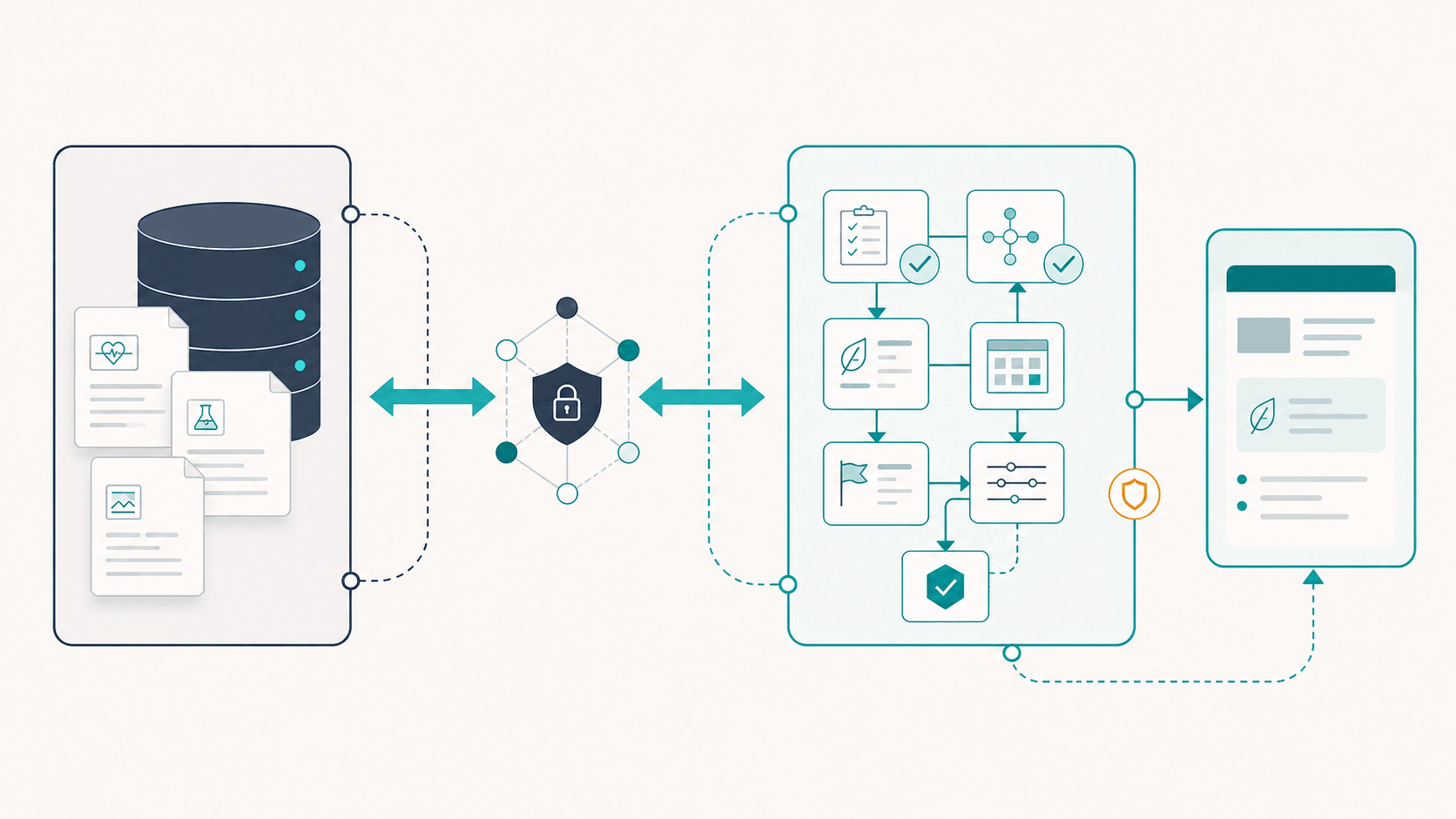
Connection scope depends on the vendors and data your clinic uses, available APIs, documentation and permissions. A general interoperability claim does not establish that a particular connection will work for your clinic.
Use technical discovery to review the data that needs to move, authentication, mapping, testing and third-party dependencies. Confirm required connections only after the proposed route has been reviewed and technically validated.
Make the demo specific to your clinic
Choose one representative care workflow and use these questions to assess the fit:
01
Data sources. Can you show how the laboratory results and other inputs we use would enter the member view?
Clinical review. What clinical information would our practitioner have available to assess a proposed plan?
Protocol configuration. Can you walk through one of our protocols and show what we can edit?
Approval. Which steps would our team follow to review, revise and explicitly approve each plan before member delivery?
Protocol changes. What would our team need to update and recheck when a protocol changes?
Follow-up. How would the team compare check-ins and biomarker results across visits?
Team responsibilities. Can you show how tasks and access would work for our care-team roles?
System connections. Which connections are already validated, and which need technical discovery?
Member experience. Which screens, plans and communications can use our brand, and what is outside that scope?
Implementation requirements. What setup work and privacy or security documentation would we need to review before proceeding?
Bring a representative list of data sources, a protocol outline, care-team roles and your follow-up process. Use them to identify what fits, what needs configuration and what still needs validation.
Questions from clinic leaders
Is HolistiCare an EHR or EMR?
No. HolistiCare coordinates clinical data, protocol workflows, member actions and follow-up. Your EHR or EMR remains the system of record.
Can we use our own protocols?
HolistiCare can be configured around your clinic’s methodology and clinical language. Protocol workflows remain editable. Your clinic retains clinical responsibility and must require explicit practitioner approval before member delivery.
What review must our clinic provide?
Your clinic must require a qualified practitioner to review each proposed plan, make any necessary changes and explicitly approve it before member delivery. Clinical decisions remain the practitioner’s responsibility.
Which data sources should we discuss in the demo?
Start with your laboratory results, assessments, clinical history, notes and documents. Include genetic, microbiome or wearable data if you use them. Confirm support for your required sources and connections, including access, permissions, configuration and technical validation.
See how HolistiCare fits your clinic
Walk through your data sources, protocol process and follow-up needs. Evaluate how HolistiCare could work alongside your EHR, what needs configuration and which connections require technical discovery.